
Current Release: 3.0.65
Upload a track, remove or reduce the parts you don’t need, and create a backing track that fits how you perform. AudioCue’s Backing Tracks Maker lets you take an existing song and create a usable performance track with control over vocals, guitar, and backing parts.
The Backing Tracks Maker is built for solo singers, guitarists, duos, and performers who want better control over their live sound.
Instead of hunting around for karaoke versions or MIDI-style backing tracks, you can start with a real song and create a version that suits your set.
Upload your track, choose what you want removed or separated, and AudioCue’s Backing Tracks Maker will process it for you.
Once the track is ready, you can download the result and use it in your live set, rehearsal, or AudioCue playlists.
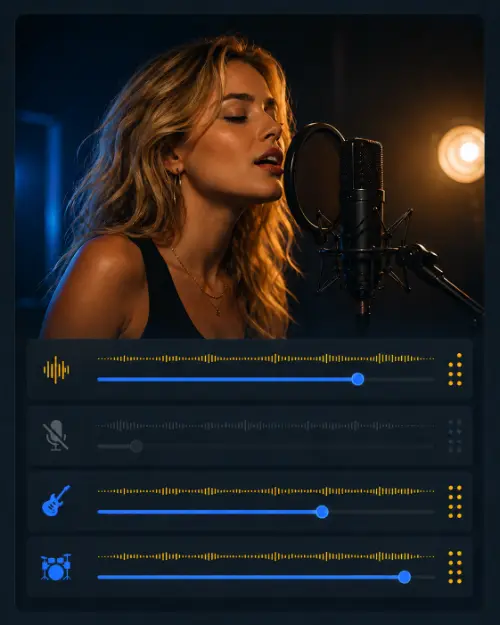
Create a backing track with the lead vocal removed or reduced, ideal for singers who want to perform over a fuller track.
Remove or reduce guitar parts so you can play along without clashing with the original guitar track.
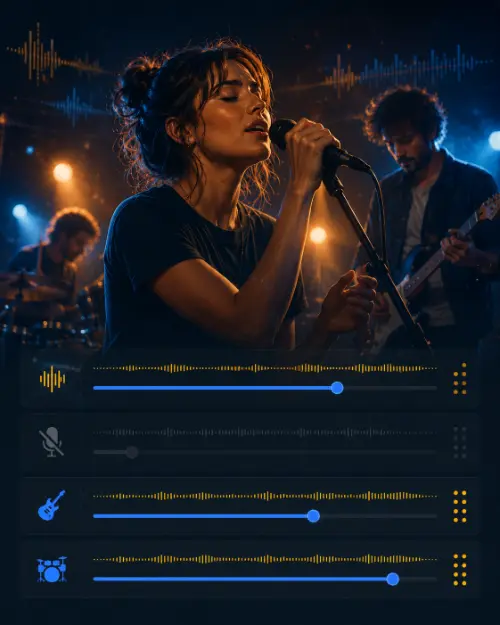
Because you’re working from the original-style audio, the result feels more natural than cheap karaoke or MIDI tracks.
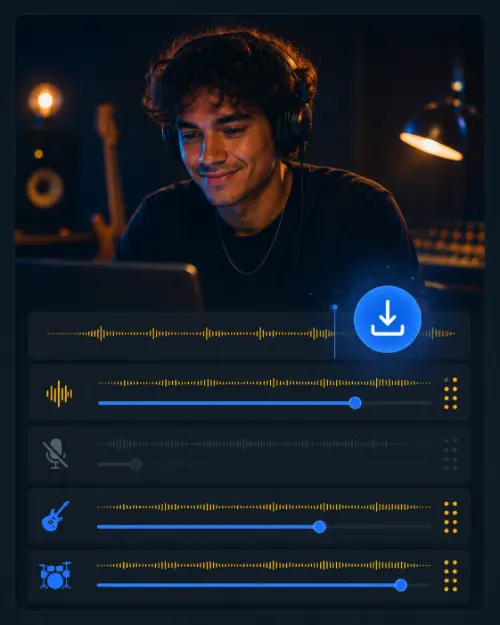
Once processing is complete, download your new backing track and use it wherever you need it.
The Backing Tracks Maker is ideal for:
It’s especially useful if you already have a version of a song you like, but you need space for your own vocal or instrument.
Audio separation is powerful, but it isn’t magic. The final result depends on the quality of the original track, the mix, and how the instruments sit together.
Some tracks will separate cleanly. Others may leave small audio traces or artefacts. For best results, use high-quality audio files and test the track before using it live.
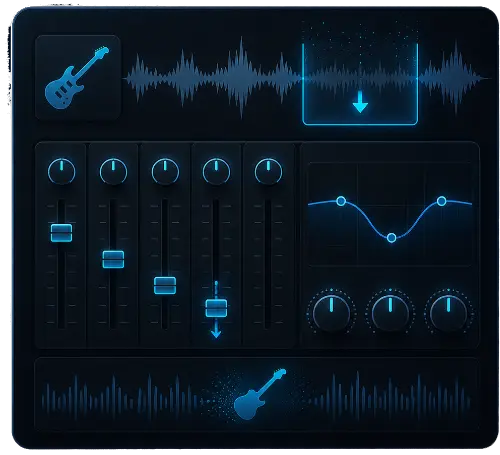
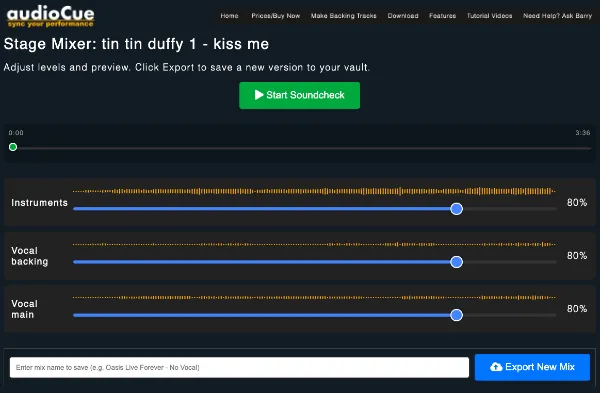
Backing track creation uses credits when your track is first processed. Once AudioCue has separated the track into stems, you can open the mixer, adjust the levels, and save as many new mixes as you need without paying again for that same track.
This means you can create different versions for different situations, such as no lead vocal, reduced guitar, louder backing vocals, or a rehearsal mix.
You only use credits when you process a new track. After that, the stems are yours to mix, save, and download from your account.
TLDR;
You are using the ACTUAL band and not a karoake version..
Most karaoke tracks sound flat, thin, or nothing like the version people know.
The Backing Tracks Maker gives you more control. You can create tracks that feel closer to the real song, while leaving room for your own performance.
That means your set sounds fuller, more familiar, and more professional without needing to rebuild every track from scratch.
Upload a song, remove the parts you don’t need, and build a backing track that works for the way you perform.
You will need an audioCue account to access the backing tracks maker.